HUBZONE DEPOT

FedEx Bill Analysis

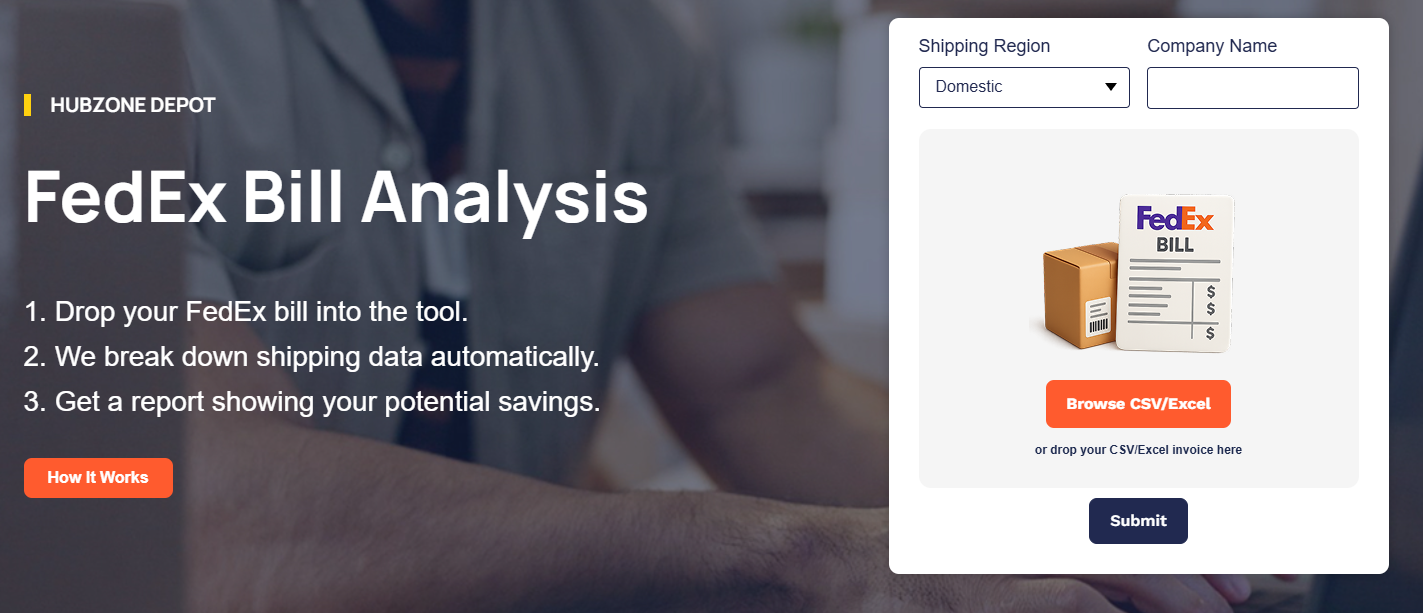
1. Drop your FedEx bill into the tool.
2. We break down shipping data automatically.
3. Get a report showing your potential savings.

My Image

or drop your CSV/Excel invoice here

Domestic Express

Domestic Ground

Int. Express - Export

Int. Express - Import

International Ground

How it Works

Follow these steps to export your FedEx invoices and receive a detailed savings report.
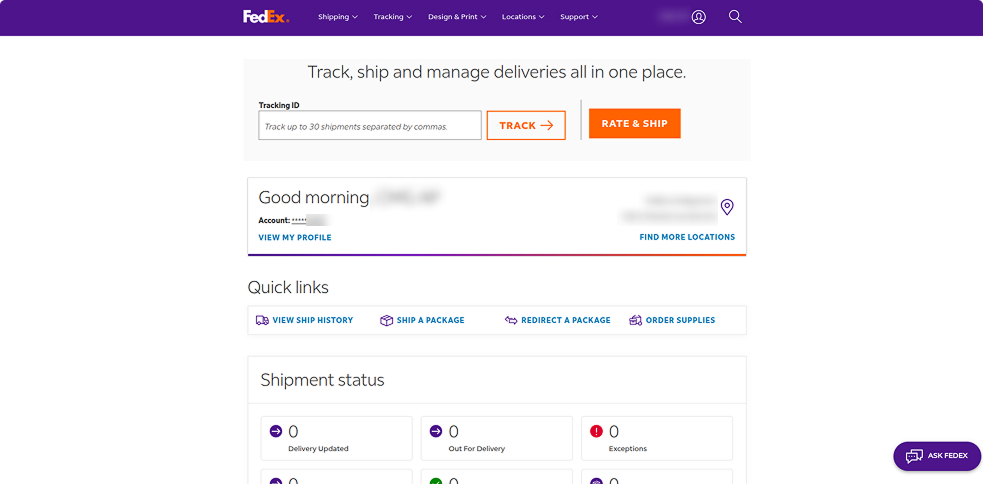
You’re Successfully Logged In
From here, you can view your shipping activity, download invoices, and manage all FedEx-related actions in one place.
Navigate to “View & Pay Bill”
This option allows you to see your FedEx invoices, payment history, and billing details.
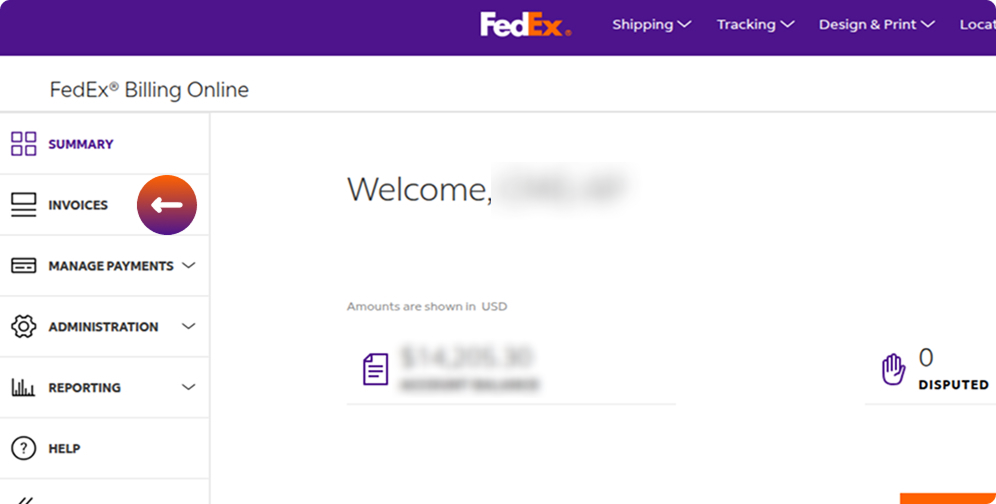
Navigate to "Invoices"
Use the left-hand sidebar to view and manage your FedEx invoices.
Clear All Invoice Filters
Remove any active filters to ensure you can view your complete invoice list.
Choose the Most Recent Invoices
Invoices are generated weekly (every Monday), so always select the latest invoices by date.
Configure Invoice Download Settings

Before clicking Create Download, choose CSV as the File type and select All Columns under Column set to ensure your invoices are downloaded correctly.

Wait for Processing to Complete

Once the file status changes from Pending to Completed, the file is ready for download.Please note that a maximum of 10 files can be downloaded at a time.

Upload Your FedEx Invoice Files

Select the Shipping Region, enter the Company Name, and upload your CSV invoice file here to receive a detailed shipping cost analysis.